
Walt Disney World • December 14, 2021 • 2 mins
Mobile ordering at Walt Disney World
Disney's very own 'Food FastPass' — how ordering ahead in the My Disney Experience app gets you your favorite treat speedy quick.
How it works
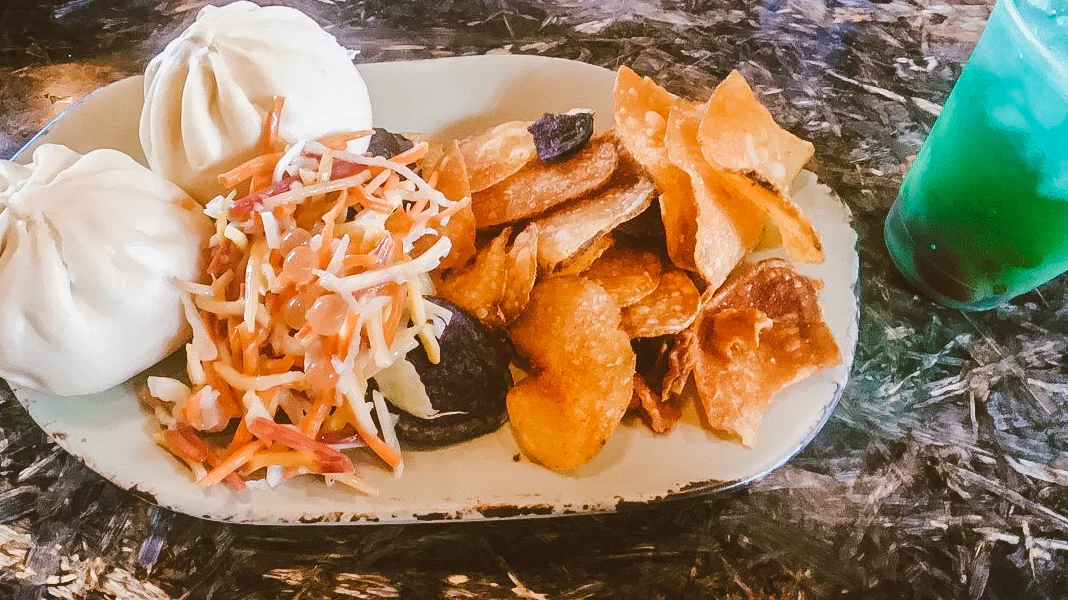
While at the parks this week we finally took advantage of the Mobile Ordering option in the My Disney Experience app, and it was a game changer! It's like Disney's very own 'Food FastPass,' and I can't figure out why I haven't tried it before.
If you already have the My Disney Experience app downloaded, you're halfway to getting your favorite treat at Walt Disney World speedy quick.
1
Open the app
In My Disney Experience, navigate to the Order Food area.
2
Pick a restaurant
Choose from the many participating spots — the list keeps growing, so check the app while you're in the parks.
3
Order and pay
Pick out your food and which form of payment you'd like to use, right on your phone.
4
Skip the line
Walk past the queue and wait for your food at the pick-up counter. Your order number shows in the app and is emailed to you for reference.
Current list of Mobile Ordering Restaurants
They seem to be adding more and more restaurants to choose from, so always be sure to check the app when at the parks.
Elliott Hogan
Founder, Hakuna MaTravels
Elliott’s love of travel planning started with the Disney College Program and grew into Hakuna MaTravels. Today she helps families, couples, and groups plan theme park trips, cruises, and beach getaways — with a warm, practical planning style and a real person to call along the way.